Preparing the Toolchain [MSP430]
Introduction
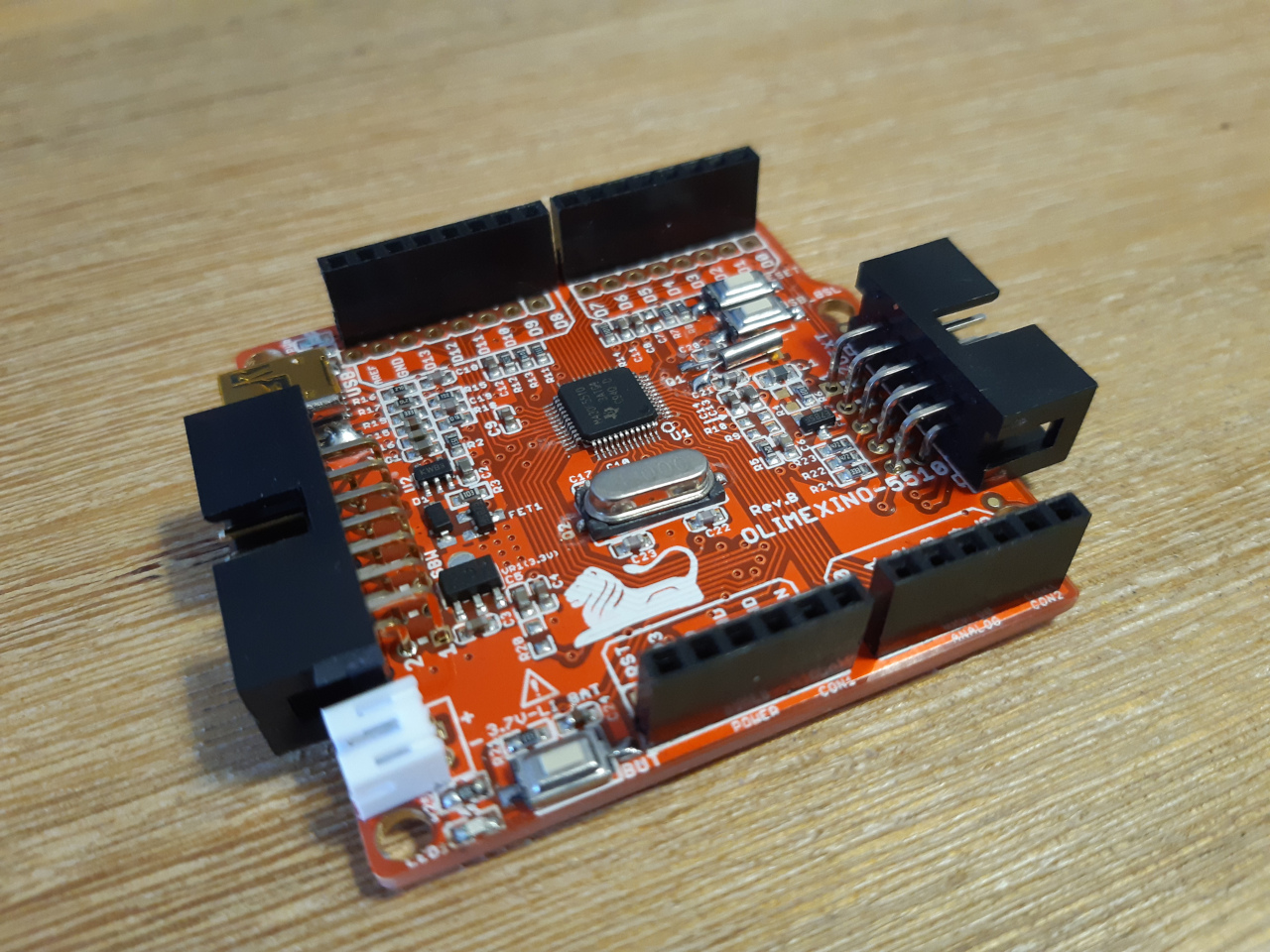
Recently I found an ARDUINO-like development board for the MSP430F5510 on Olimex, the OLIMEXINO-5510.
The best thing about the board is (in my humble opinion), you can program it over USB!
Cross Compiler
The Compiler for MSP430 is based on the gcc and therefore open source.
Sadly it seems like the repositories for this compiler and additional tools are not maintained anymore.
Therefore you can either compile the compiler yourself or download the precompiled binaries. I went with the second option.
You would want to download them from here.
At the time of writing this, I downloaded these two files:
- msp430-gcc-8.3.0.16_linux64.tar.bz2 (Mitto Systems GCC Linux - toolchain only)
- msp430-gcc-support-files-1.208.zip (Header and Support Files)
The first one is the compiler, the other one contains the platform specific bits (header and linker files) you will need to succesfully compile for your microcontroller.
Compiling
The binaries for the compiler and the other tools can be found under "msp430-gcc-8.3.0.16_linux64/bin".
You can either copy the header files from their respective directory to the include directory of the compiler (msp430-gcc-8.3.0.16_linux64/include). Or you can specify the include directory at compile time (like I did).
To compile a program called main.c, you would execute something like:
msp430-elf-gcc -mmcu=msp430f5510 -o main.elf main.c -I msp430-gcc-support-files/include/ -L msp430-gcc-support-files/include/
-mmcu=msp430f5510 sets the specific type of MCU
-I and -L tell the Preprocessor and Linker where the include and linker files are to be found.
Where in this case everything must be in the same directory. We will set the paths for the compiler and support files in our Makefile soon enough.
Hexfile
To create the hex file for uploading on our board execute:
msp430-elf-objcopy -O ihex main.elf main.hex
Uploading over USB
Udev rules
To grant your normal (not super-) user access to the board, create an udev rule.
Create a new file and edit it with the text editor of your choice:
cd /etc/udev/rules.d
sudo touch 99-ti_msp430.rules
sudo nano 99-ti_msp430.rules
Save it with the content:
#2047:0200 Texas Instruments MSP430 USB HID Bootstrap Loader
SUBSYSTEM=="hidraw", ACTION=="add", ATTRS{idVendor}=="2047", ATTRS{idProduct}=="0200", GROUP="trusted", MODE="0660"
Also add your current user to the trusted group. (Create it if not already)
sudo groupadd trusted
sudo usermod -a -G trusted $USER
Uploading via GUI
For uploading the hex file to the board I used a python script from TI, you can get it from here.
Download the Python_Firmware_Upgrader-5_20_06_02.zip.
You can either install the scripts by executing setup.py under python-msp430-tools. Or you can execute the GUI Program directly via:
PYTHONPATH=./python-msp430-tools python ./TargetGUI.py
(You have to be in the same directory with TargetGUI.py)
Press the RESET and USB_BSL Button on the board at once and release the RESET Button before the USB_BSL Button.
In the Programm call:
File > Rescan HID Bus
You should then see "ready".
To download your program call
File > Open User Firmware...
And pick your .hex file.
You should see something similar to this:
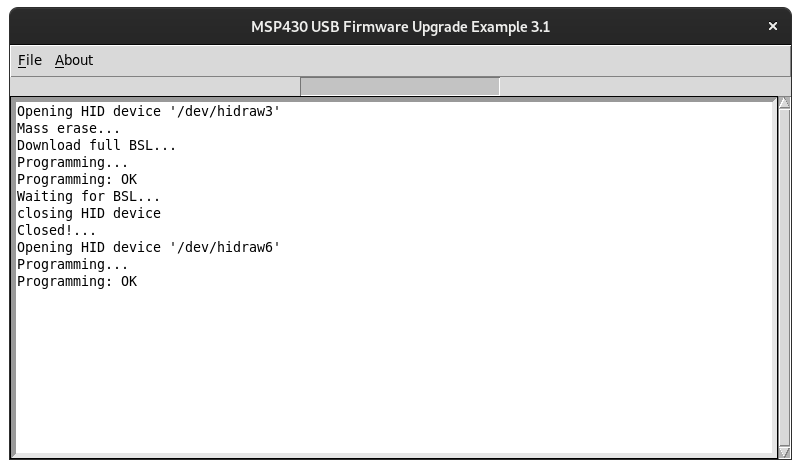
Upon successful uploading LED1 (the green one) on the test board should blink in a regular ~1s rythm.
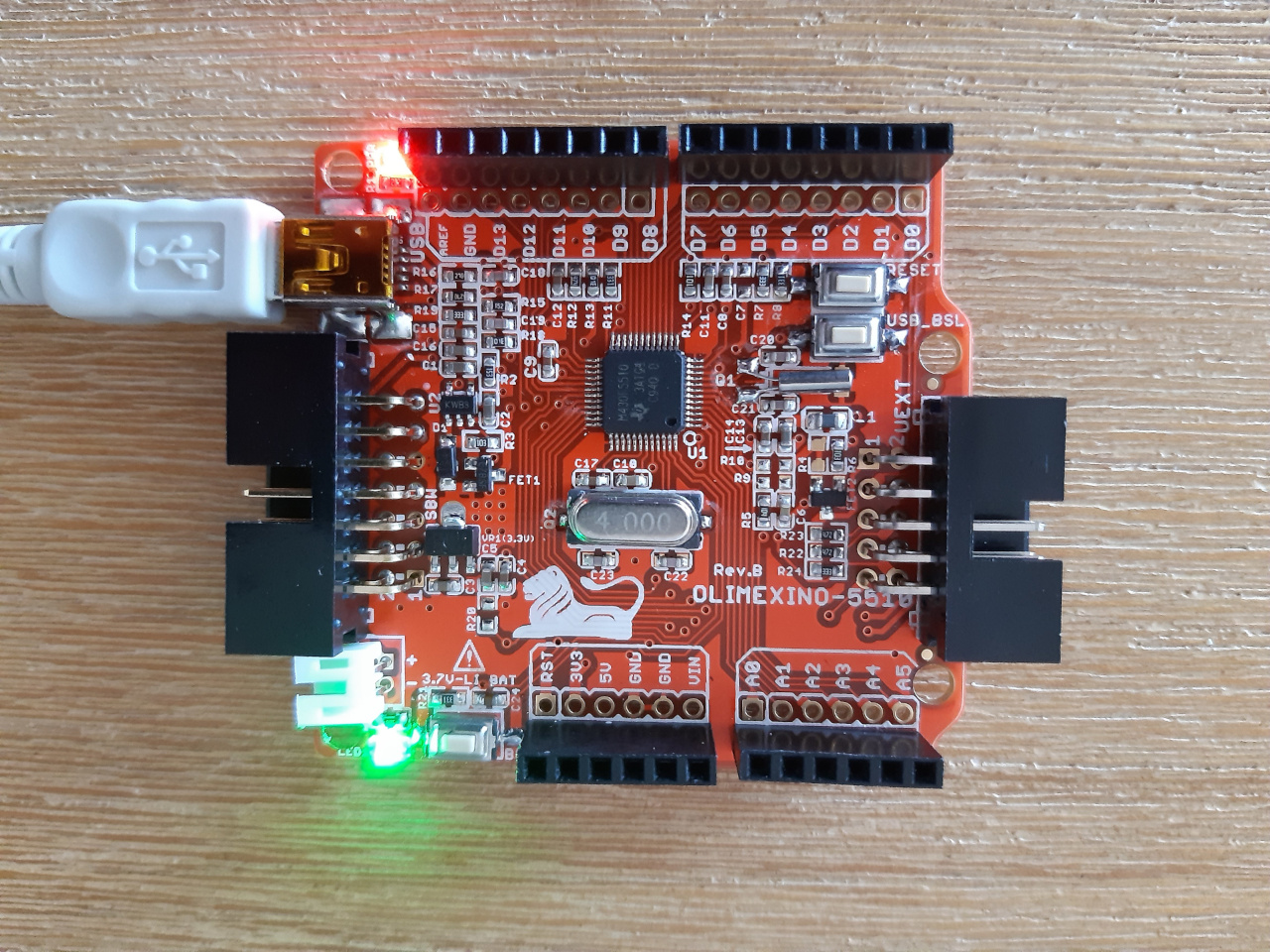 (The light is blinking, you have to believe me.)
Automating the Uploading Process
Using a GUI application to download firmware can become tedious over time.
So I created a small script out of TargetGUI.py, it basically does the same as the GUI, but works over the command line.
You can find it here.
The Makefile
As promised, we won't have to write the full path of compiler, support files and the upload script every time we want to recompile and upload.
The paths are set once at the beginning of the Makefile and that is it. Get it here, as long as it is hot: Makefile
Or copy it:
CROSS_COMPILER = ../../Toolchain/msp430-gcc-8.3.0.16_linux64/bin/msp430-elf-
SUPPORT_FILES = ../../Toolchain/msp430-gcc-support-files/include/
UPLOADER = ../../Python_Firmware_Upgrader/MSPProgrammer.py
PYTHONPATH = ../../Python_Firmware_Upgrader/python-msp430-tools

TARGETS = main.c

CFLAGS = -mmcu=msp430f5510 -Wall -Ofast

all: main.elf printsize createhex upload

clean:
    rm main.elf
    rm main.hex

main.elf: main.c
    ${CROSS_COMPILER}gcc ${CFLAGS} -o main.elf main.c -I ${SUPPORT_FILES} -L ${SUPPORT_FILES}

printsize: main.elf
    ${CROSS_COMPILER}size main.elf
    ${CROSS_COMPILER}nm --size-sort -S main.elf
    #${CROSS_COMPILER}objdump -S main.elf

createhex:
    ${CROSS}objcopy -O ihex main.elf main.hex

upload: main.hex
    PYTHONPATH=${PYTHONPATH} python ${UPLOADER} main.hex
Conclusion
That is the start of my MSP430 journey. The Toolchain is all set up, now I am down to actually program something.
Wish me luck